Why Choose Windows 11 IoT Enterprise LTSC 2024?
- Tailored for IoT: Built for specialized devices in industries like manufacturing, healthcare, and retail.
- LTSC Benefits: Stability through fixed feature sets for up to 10 years of support.
- Device-Specific Customization: Lock down configurations for security and device control.
- Diverse Architecture Support: Runs on both x64 and ARM processors to match your hardware.
- Advanced Security Features: Enterprise-grade protection against modern threats.
Description of Windows 11 IoT Enterprise
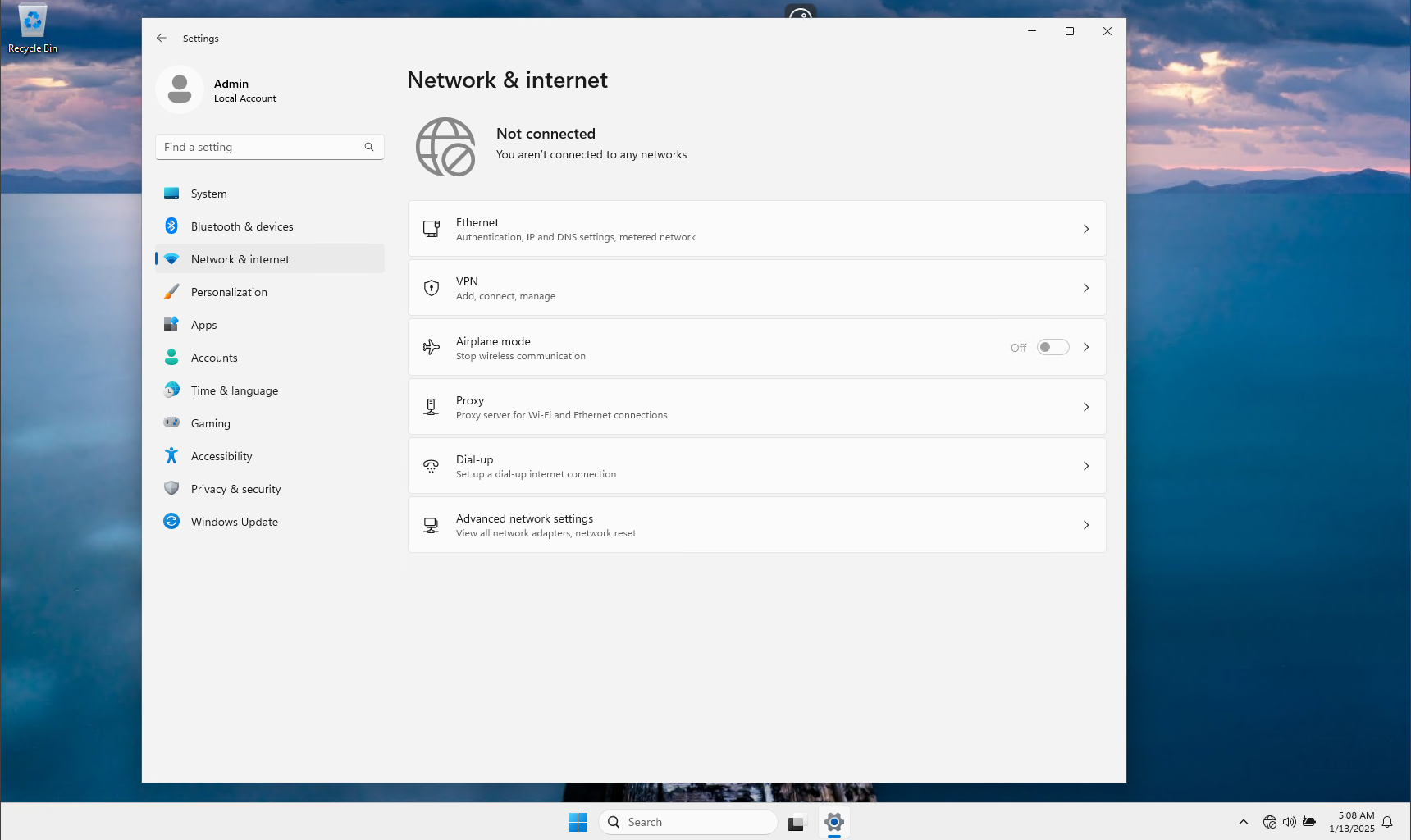
Windows 11 IoT Enterprise LTSC 2024 is a specialized operating system designed for Internet of Things (IoT) devices and embedded systems. Unlike the traditional Windows 11 for office and personal use, the IoT version offers enhanced stability, security, and customization options. It provides the same modern interface and functionality as Windows 11 but strips away unnecessary features for dedicated use in industrial and commercial environments. This operating system is ideal for industries such as retail, healthcare, transportation, and manufacturing, where devices must remain stable, secure, and reliable over extended periods.

Difference Between
Classic Windows 11 and Windows 11 IoT Enterprise
Purpose:
- Windows 11: Designed for personal computers and general office use.
- Windows 11 IoT Enterprise: Tailored for IoT devices requiring dedicated functionality, security, and reliability.
Customization:
- Windows 11: Standard desktop features and applications.
- IoT Enterprise: Device lockdown features, allowing removal or restriction of unnecessary components.
Deployment:
- Windows 11: Flexible usage across general-purpose devices.
- IoT Enterprise: Optimized for industrial PCs, kiosks, medical devices, and other specialized systems
Comparison: Windows 11 vs.
Windows 11 IoT Enterprise LTSC 2024
| Feature | Windows 11 | Windows 11 IoT Enterprise LTSC 2024 |
| Purpose | Designed for personal and office use. | Optimized for IoT devices and industrial systems. |
| Target Audience | General users, businesses, and professionals. | OEMs, manufacturers, and industries with specialized devices. |
| Customization | Standard features for a wide range of users. | Extensive device lockdown and customization options for specific use cases. |
| Updates | Frequent feature updates via biannual releases. | Feature stability with only critical and security updates (LTSC lifecycle). |
| Support Lifecycle | 18 months per release. | Up to 10 years (5 years standard + 5 years extended). |
| User Interface | Full Windows 11 desktop experience. | Configurable: Can include or exclude full desktop experience. |
| Security | Strong security features for general use. | Enterprise-grade security tailored for IoT and embedded systems. |
| Hardware Support | x64-based architecture only. | Supports both x64 and ARM architectures. |
| Performance | Optimized for personal and office productivity. | Designed for long-term performance on dedicated devices. |
| Licensing | Regular updates replace older versions. | Licensed specifically for OEMs and device integration. |
| End-of-Life | Licensed per device or user. | Fixed feature set with predictable end-of-life timeline. |
| Applications | Productivity, gaming, and general use. | Industrial automation, retail kiosks, medical devices, ATMs, and more. |
Key Differences in Focus
- Windows 11: Built for flexibility and productivity in office and personal environments, with regular feature updates and a focus on general usability.
- Windows 11 IoT Enterprise LTSC: Prioritizes stability, security, and long-term support for mission-critical systems in industries where updates and feature changes could disrupt operations.
Why Choose Windows 11 IoT Enterprise LTSC?
If your device is part of a specialized system requiring long-term reliability, high security, and controlled updates, Windows 11 IoT Enterprise LTSC 2024 is the ideal solution. Conversely, for office or personal systems that benefit from regular feature enhancements, Windows 11 is the better choice.

What is LTSC?
The Long-Term Servicing Channel (LTSC) version of Windows 11 IoT Enterprise provides a long-term solution for devices requiring stability and consistency. Here’s what you need to know:
- Length of Support:
- Standard Support: 5 years.
- Extended Support: Additional 5 years.
- Description: LTSC editions are designed for systems that demand long-term stability and minimal feature changes, such as medical equipment, ATMs, and factory automation systems.
- End-of-Life: LTSC ensures a 10-year lifecycle from the release date, with no frequent feature updates disrupting device functionality.
- Update Cadence: Only security updates and critical patches, no new features.
Silicon Support: x64 and ARM
x64-Based Systems
- Compatibility: Widely supported across most IoT and embedded systems.
- Performance: Offers high processing power for complex applications, industrial automation, and multi-tasking.
- Hardware: Runs on Intel and AMD processors, making it ideal for heavy-duty operations.
ARM-Based Systems
- Efficiency: Designed for low-power devices and edge computing solutions.
- Flexibility: Perfect for lightweight, portable, and energy-efficient applications.
- Hardware: Runs on ARM processors, providing a smaller footprint for compact IoT devices.

Extended Description
Windows 11 IoT Enterprise LTSC 2024bridges the gap between traditional computing and dedicated IoT needs. Whether you’re running devices on x64 architecture for industrial automation or leveraging ARM for energy-efficient edge computing, this OS provides the tools you need for success. Its robust LTSC lifecycle ensures that your systems remain secure and stable, allowing you to focus on innovation instead of constant updates.
Windows 11 IoT Embedded Features for Customization
Windows 11 IoT Enterprise offers advanced features that enable deep customization and control, making it ideal for creating purpose-built devices. These embedded features allow businesses to optimize performance, enhance security, and streamline the user experience to meet the specific needs of their IoT applications.

1. Lockdown Features
Windows 11 IoT Enterprise provides tools to limit access and functionality, ensuring devices are used only for their intended purposes.
- Assigned Access (Kiosk Mode): Configure devices to run a single app or a limited set of applications, perfect for kiosks or ATMs.
- Shell Launcher: Replace the default Windows Shell with a custom application shell for a tailored user interface.
- Unified Write Filter (UWF): Protect the device by redirecting write operations to a temporary overlay, maintaining the original state of the device even after a reboot.
2. Enhanced Device Management
Windows 11 IoT offers robust device management capabilities to streamline configuration and updates:
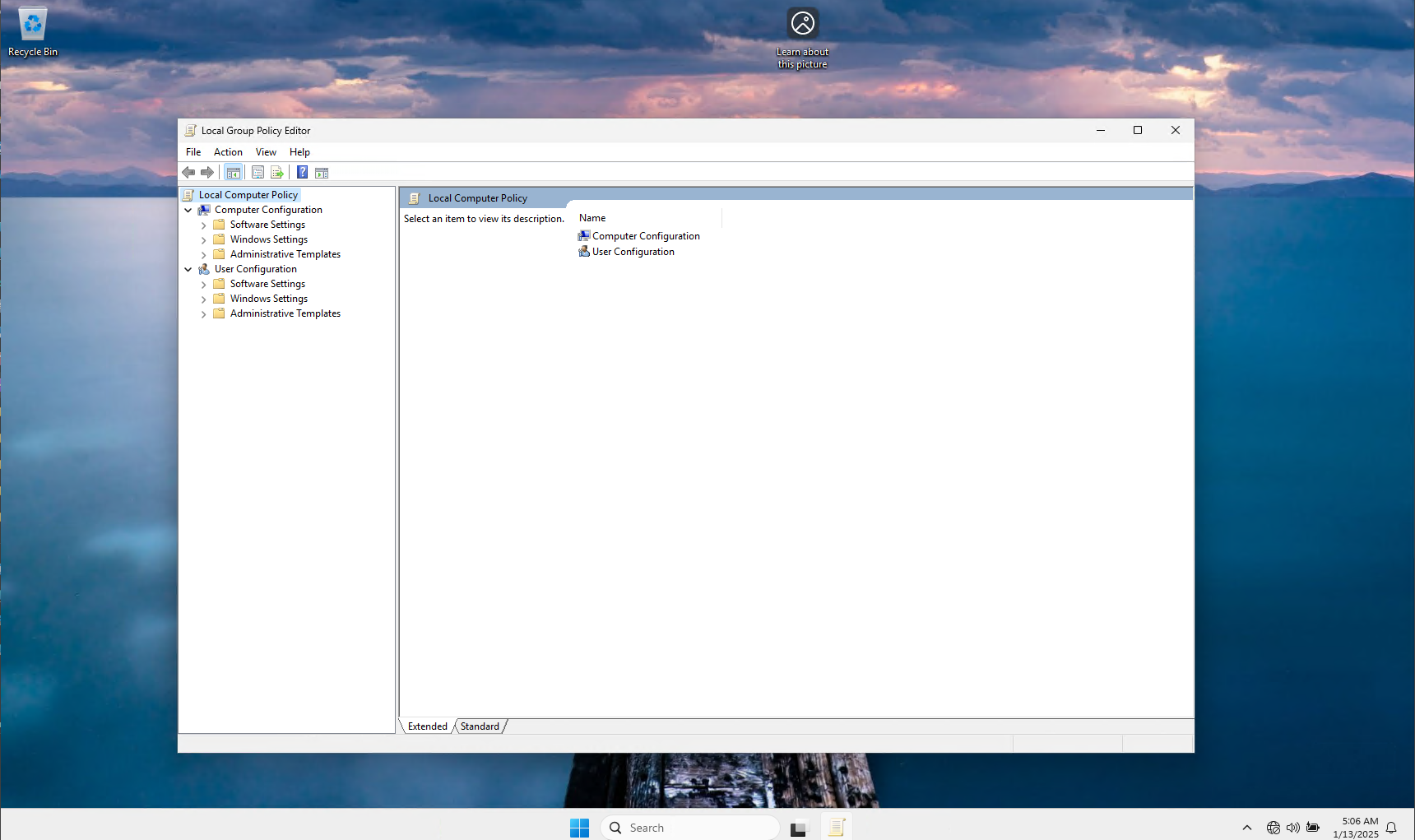
- Group Policy Control: Manage device settings centrally for large-scale deployments.
- Device Provisioning: Simplify the setup of multiple devices with pre-configured profiles.
- Windows Management Instrumentation (WMI): Automate administrative tasks and manage embedded systems programmatically.
3. Security Customizations
The embedded features emphasize security to protect critical systems:
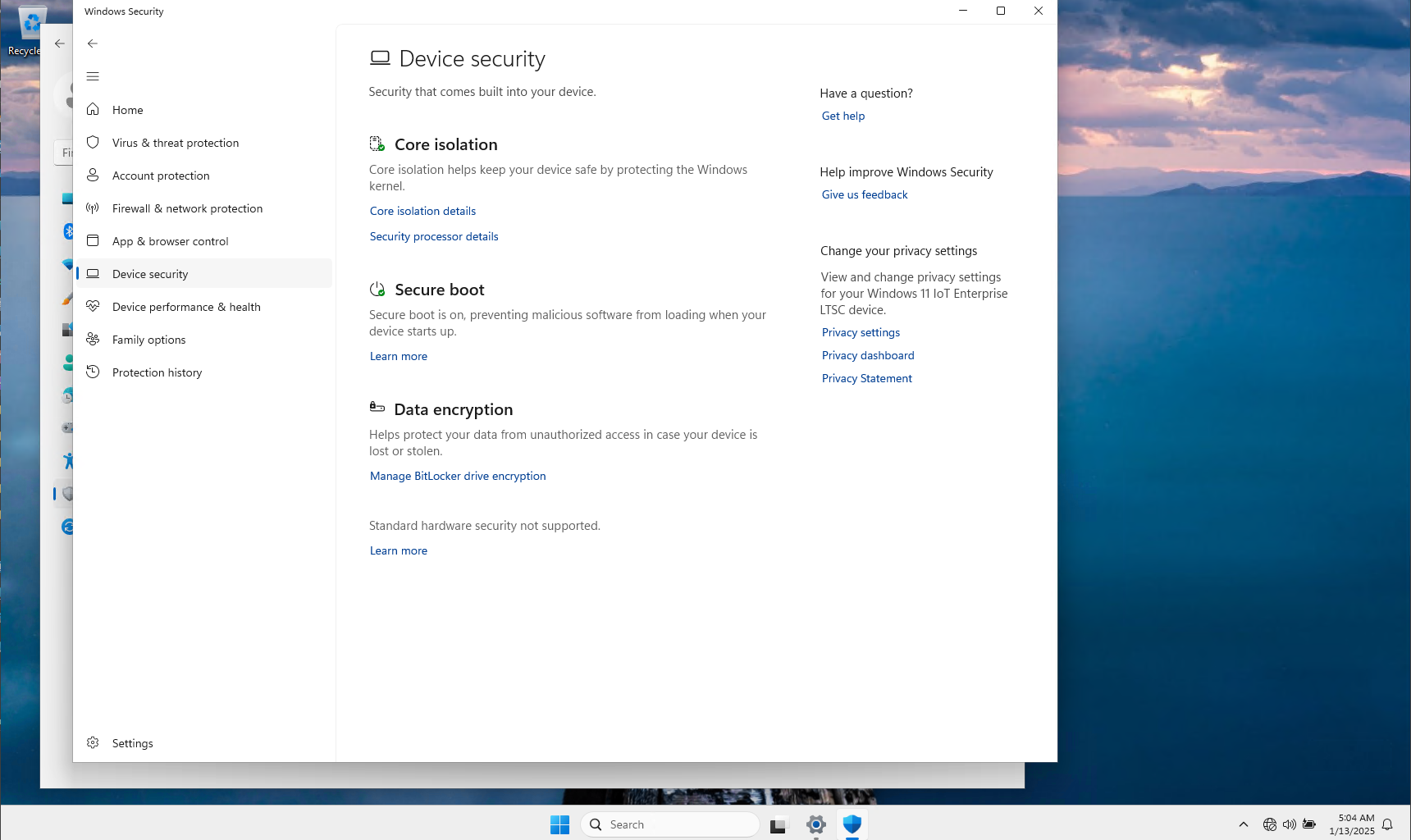
- BitLocker Encryption: Encrypt the device’s drive to safeguard sensitive data.
- Secure Boot: Prevent unauthorized software from running at startup.
- Trusted Platform Module (TPM) Support: Utilize hardware-based security features for device integrity and secure credentials.
4. Custom User Experiences
IoT devices often require tailored user interfaces or restricted interaction models:
- Custom Boot Experience: Modify startup screens, logos, and animations to align with your brand.
- Custom Desktop Experiences: Remove unnecessary UI elements and restrict user access to settings or features.
- Multilingual Support: Configure devices for specific regions with language packs and localization.


5. Power and Performance Optimization
Optimize the operating system for specific hardware or power conditions:
- Headless Operation: Run devices without a display or input peripherals for tasks like edge computing.
- Performance Throttling: Adjust system performance based on the operational context to save energy or maximize power.
- Driver and Hardware Customization: Include only the drivers necessary for your hardware to reduce system overhead.
Use Cases
- Retail: Kiosks with single-app mode and branded boot screens.
- Healthcare: Medical devices with locked configurations and secure data encryption.
- Manufacturing: Industrial PCs with minimal UI, optimized for real-time control systems.
- Transportation: Ticketing systems or fleet management tools with high security and simplified interfaces.
These customization features make Windows 11 IoT Enterprise an ideal choice for purpose-built IoT devices requiring stability, security, and precise functionality.